Screenshots Directory
This directory contains UI screenshots of the Aleteia donation platform.
Captured Screenshots ✅
Successfully captured 4 screenshots of the donation platform interface:
1. Landing Page
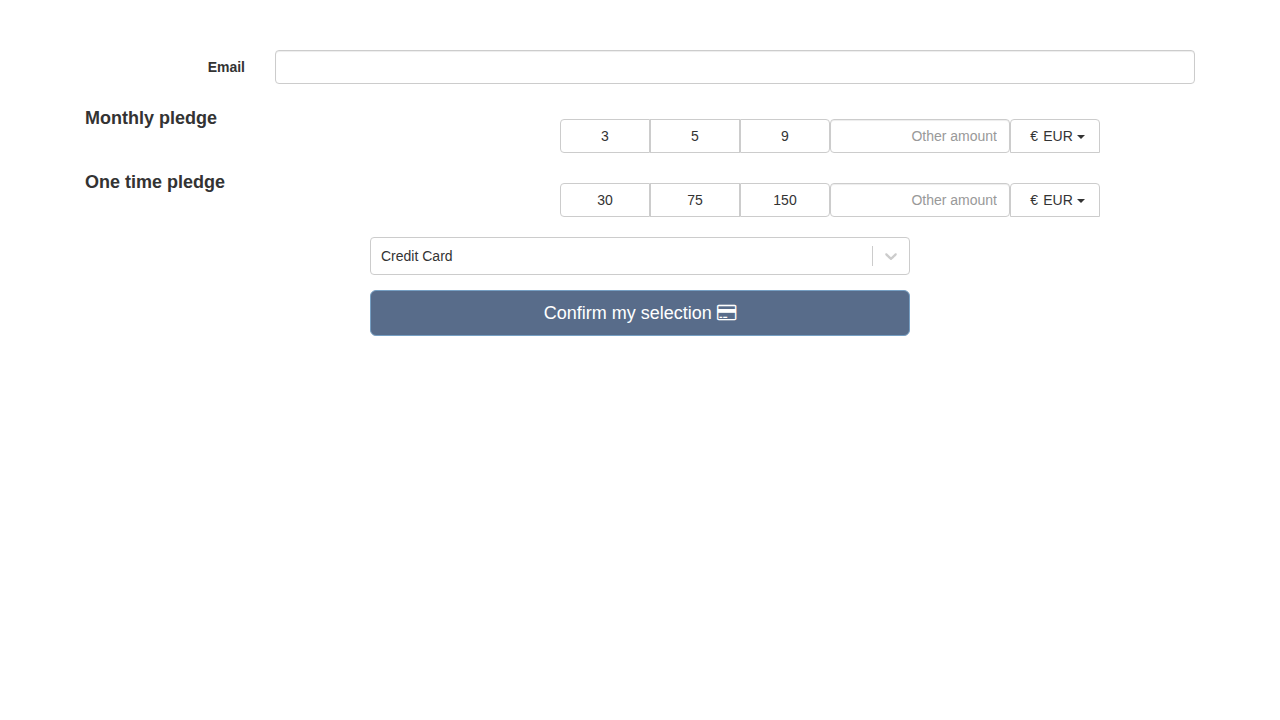
Initial donation landing page showing:
- Email input field
- Monthly pledge options (3, 5, 9 EUR)
- One-time pledge options (30, 75, 150 EUR)
- Currency selector (EUR/USD)
- Payment method dropdown
- Confirm button
2. Monthly Donation Selected
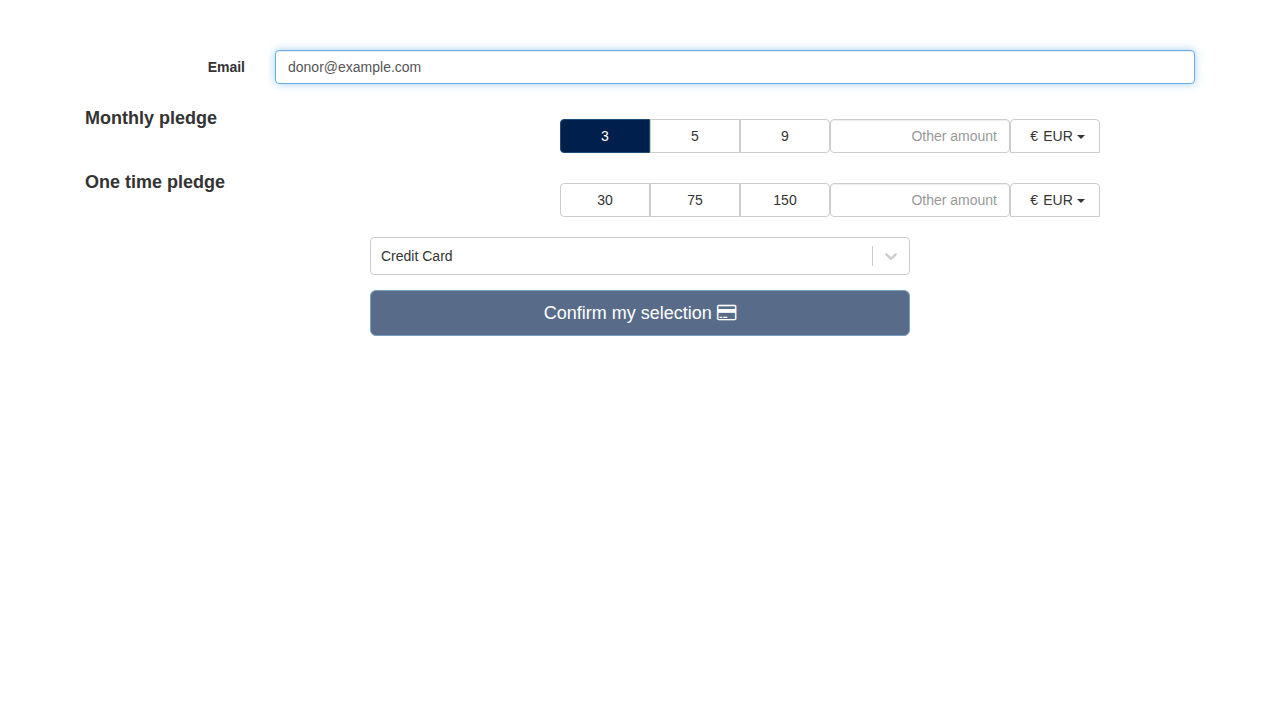
Monthly donation flow:
- Email entered: [email protected]
- 3 EUR monthly pledge selected (highlighted in dark blue)
- Shows active state of selected amount
3. One-Time Donation Selected
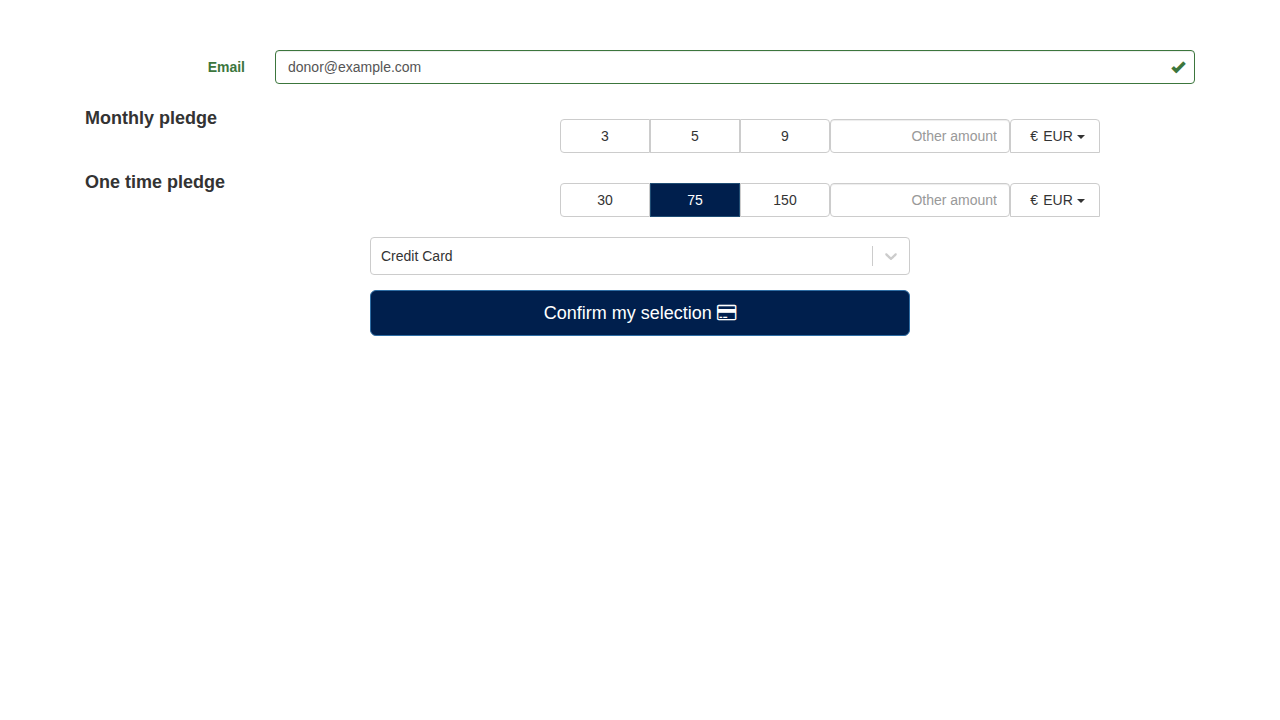
One-time donation flow:
- Email validated (green checkmark)
- 75 EUR one-time pledge selected
- Confirm button active (darker blue)
4. Payment Methods Dropdown
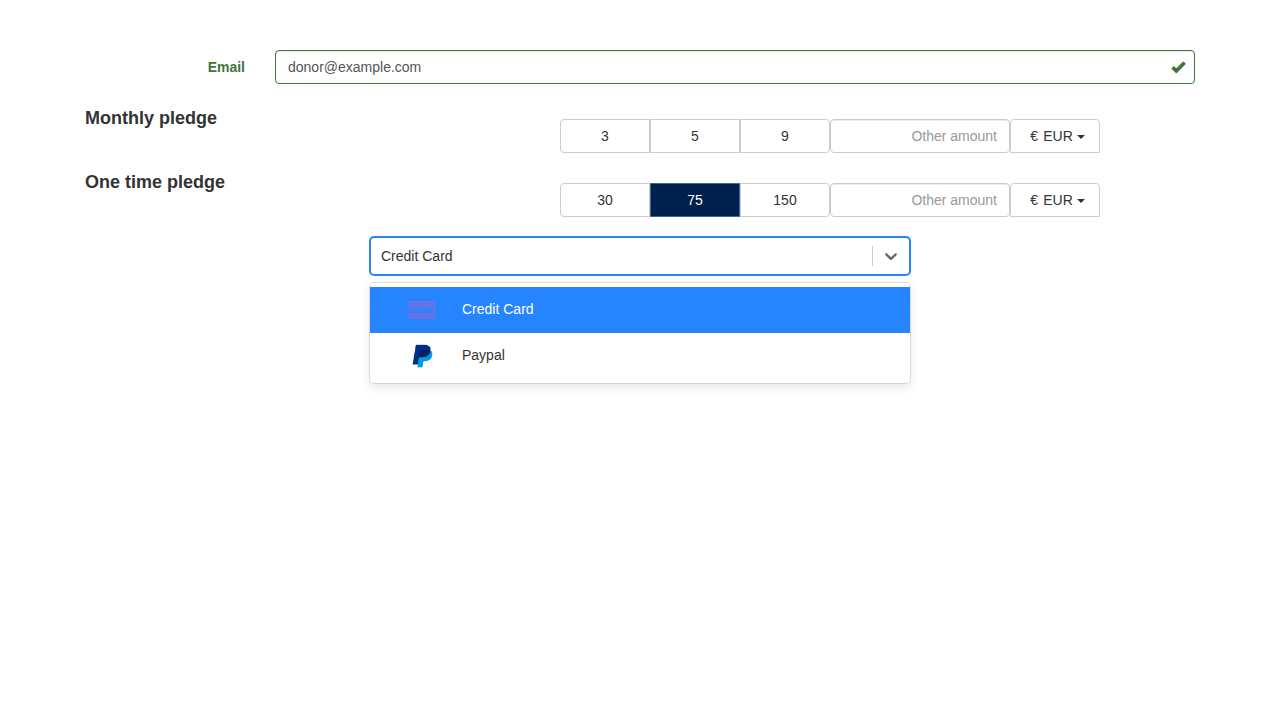
Payment method selection:
- Dropdown expanded showing available payment methods
- Credit Card option (with Stripe logo)
- PayPal option (with PayPal logo)
Capture Method
Screenshots were captured using Playwright with a temporarily modified Donations::RoutingConstraint that returned true for all requests, allowing navigation via localhost:3000 without subdomain complications.
Environment:
- Node 14.21.3
- Rails 7.0 in development mode
- webpack-dev-server serving assets
- Full React application loaded
Note: Some external resources (Stripe.js, Google Analytics, reCAPTCHA) were blocked by CI environment but didn't affect the main UI capture.
Integration with Documentation
Screenshots are referenced in documentation files using relative paths:


Additional Screenshots To Capture
The following screenshots would enhance the documentation but require Stripe.js to be fully functional:
- Payment form with card details entry (Stripe Elements)
- 3D Secure authentication modal
- Success confirmation page
- Error states (declined card, validation errors)
- SEPA Direct Debit form
- Przelewy24 payment option
These can be captured in a proper development environment or staging where all external services are accessible.
Test Cards Reference
For testing different payment scenarios, use Stripe test cards:
Success:
4242 4242 4242 4242- Standard success- Expiry: any future date (e.g., 12/34)
- CVC: any 3 digits (e.g., 123)
3D Secure:
4000 0027 6000 3184- Requires 3DS authentication
Failures:
4000 0000 0000 0002- Card declined4000 0000 0000 9995- Insufficient funds
SEPA:
- Use test IBAN:
DE89370400440532013000
Full test card list: https://docs.stripe.com/testing